
Have you ever searched for a coffee shop “near me” or looked up “best pizza place in town”? That’s local SEO in action. Local SEO, or local search engine optimization, helps your business appear in online searches when people are looking for what you offer nearby.
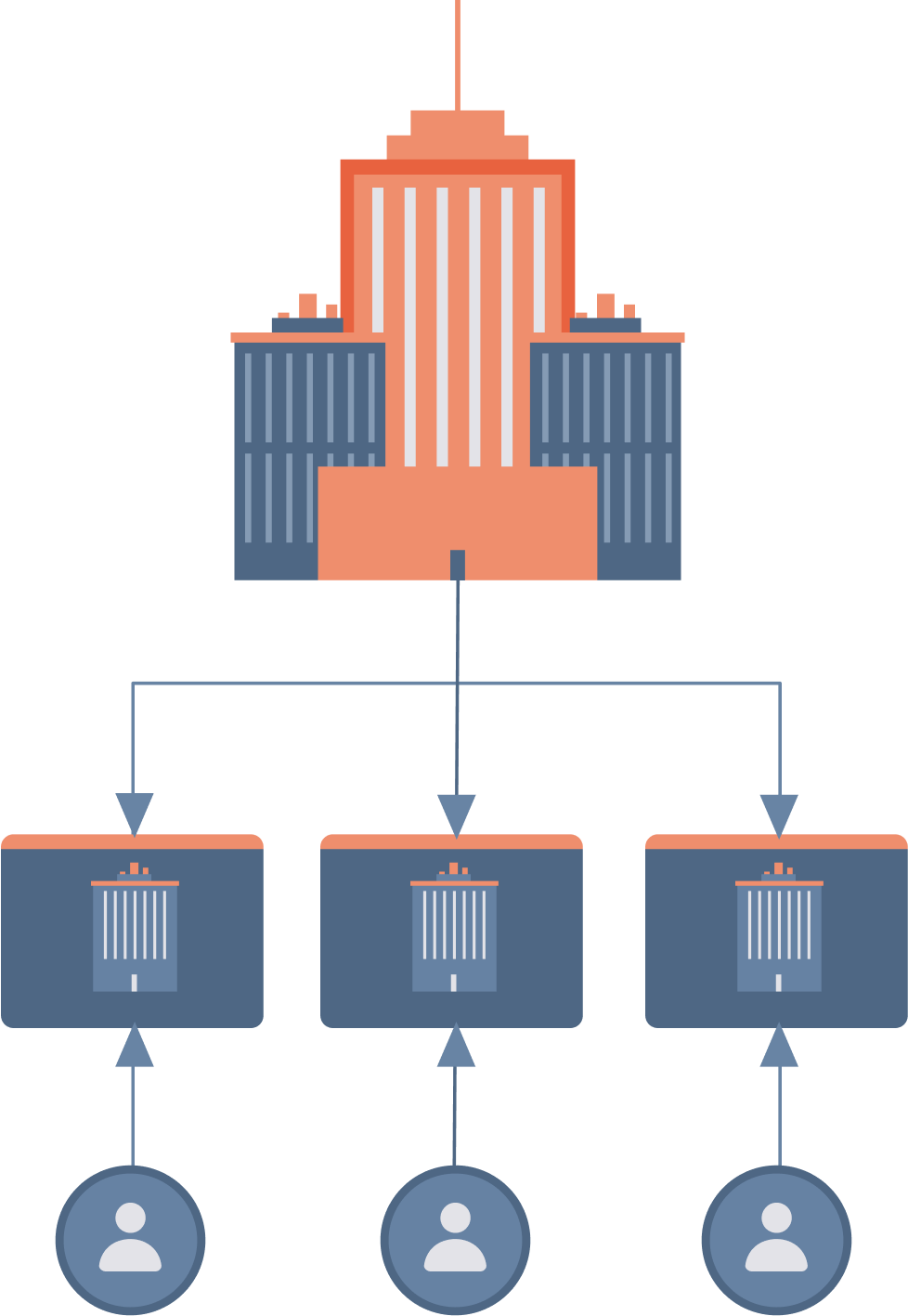
If you run a business with multiple locations, like a chain of stores, franchises, or service centers, getting each one to show up in local searches can be a game-changer. Why? Because it puts your business right in front of people who are ready to visit, shop, or book a service.
In this article, we’ll show you:
- Why local SEO is so important for multi-location businesses
- The main benefits of focusing on local SEO
- Practical tips to improve your local SEO
We will also introduce you to our platform, Sitelets, designed specifically for multi-location businesses. This platform gives you the tools you need to manage and optimize local SEO across all your locations.
What is Local SEO?
Local SEO, or Local Search Engine Optimization, is the process of making your business easy to find for people who are searching nearby. So, how does it work? Local SEO helps search engines understand where your business is located and what services or products it offers. This way, when someone searches for a product or service in your area, your business appears as a relevant option. Local SEO focuses on specific things like:
- Your business name, address, and phone number (often called NAP)
- Google My Business listing
- Customer reviews
- Location-specific keywords
For a multi-location business, local SEO means giving each location its presence online. Each store, office, or branch should have accurate information and unique local content so that it shows up in searches made by people nearby.
Organic SEO vs. Local SEO
You might’ve heard about SEO (Search Engine Optimization) before, but did you know there are different types? Two main types are Organic SEO and Local SEO.
Organic SEO is focused on improving your website’s visibility to a broader audience, often on a national or global scale. For example, if someone searches for “best running shoes,” organic SEO techniques help sports brands appear in the results, regardless of where the searcher is located. This type of SEO involves optimizing keywords, improving page speed, creating valuable content, and building backlinks. Organic SEO works well for businesses without foot traffic.
Local SEO, on the other hand, is focused specifically on local audiences—people who are nearby and looking for something in their area.
In short:
- Organic SEO = Broad Audience: It helps your website appear in general searches, which is great for brand awareness.
- Local SEO = Local Audience: It focuses on people nearby who are ready to visit a location, which is crucial for multi-location businesses.
Example of Organic SEO
Let’s say you own a nationwide chain of gyms and want to attract more people to sign up for memberships online. You’re not necessarily targeting specific locations but rather anyone interested in fitness or gym memberships across the country.
For Organic SEO, you’d focus on creating blog posts with topics like:
- “The Benefits of Strength Training”
- “How to Start a Workout Routine for Beginners.”
These topics attract people interested in fitness from all over the world. Use keywords such as “best gym memberships” or “workout tips” throughout your website to make it clear to search engines that your site is about fitness and gym memberships.

With Organic SEO, your goal is to reach a wide audience who might eventually be interested in a membership, even if they aren’t looking for a specific gym location.
Example of Local SEO
Let’s say your gym chain has physical locations in multiple cities, such as Dallas, Miami, and Seattle. You want people in these cities to find the nearest gym location when they’re ready to join or work out.
For Local SEO for Multi-Location Businesses, you’d focus on creating a Google My Business profile for each gym location. Each profile would include the gym’s address, phone number, hours, photos, and reviews. This way, if someone in Dallas searches “gym near me,” your Dallas location will appear in the search results.

With Local SEO, you’re aiming to connect with people nearby who are actively looking for a gym close to them.
Benefits of local SEO
With local SEO, you can:
- Bring more local customers to each of your physical locations.
- Boosts your business’s presence in local search results
- Reach people ready to purchase or visit, leading to higher conversions.
- Enhance trust and credibility with positive local reviews
- Targets local customers without the high costs of broad, national campaigns.
- Optimizes your business for “near me” searches on mobile, where people often look for nearby options.
- Put your business ahead of competitors in local searches, increasing your chance to attract nearby customers.
How to build your local SEO strategy
1. Set up and optimize GMB.
Local SEO for Multi-Location Businesses: Go to Google My Business (GMB) and create a listing for each of your locations. If a listing already exists, claim it to ensure you have control. Add your business name, address, phone number, website, business category, and operating hours. Consistency here is key—use the same:
- Name
- Address
- Phone number format

Upload high-quality photos of each location, both inside and outside. Show the building, products, staff, or anything else that will help customers recognize your business. In the description section, include a summary of the location’s offers using location-specific keywords (e.g., “family-friendly restaurant in Brooklyn”).

2. Encourage and manage customer reviews.
Politely ask customers to leave reviews. You can do this in-store, via email, or by sending a follow-up text after a purchase. Make it easy by providing a direct link to your Google review page.
Always reply to reviews, especially negative ones. If someone praises your service, thank them for their support. If they’re unhappy, apologize and offer to resolve the issue. Your response shows potential customers that you value feedback and are committed to customer satisfaction.
3. Use local keywords
Your website should have a dedicated page for each location, and each page should be unique. This allows you to optimize each page for its specific area and avoid duplicate content.
Use keywords that include the city, neighborhood, or even street names for each location. For example, “auto repair in Austin, TX” or “NYC Midtown bookshop.” This way, your page is more likely to appear when people search for your service in those areas.
Mention details unique to that location. For example, “Located near Central Park” or “Serving the downtown Los Angeles area.” Adding these local details helps with relevance in local searches and gives visitors a better idea of where you’re located.
4. Create location-specific content
Write blog posts, articles, or updates that relate to each location. For example, if you run a chain of bakeries, you could write a blog post titled “5 Best Coffee Shops Near Our Dallas Bakery” or “Top Events to Visit Near Our Seattle Bakery.”
If a location is involved in local events or collaborates with other local businesses, mention it! For instance, “Proud sponsor of the Downtown Food Festival.” This makes your business more relatable to local customers and strengthens your local relevance in search engines.
5. Build local citations
Submit each location to popular local directories like:
- Yelp
- Yellow Pages
- Bing Places
- TripAdvisor (if relevant)
Make sure you enter the business name, address, and phone number (NAP) the same way each time. Find directories specific to your industry or location. If you own a restaurant, ensure it’s listed on dining-focused platforms like Zomato, OpenTable, or Foursquare.
6. Optimize for “Near Me” searches
Sprinkle in terms like “near me” or “close by” in the content of your location pages. For example, “Find us near downtown Atlanta” or “Conveniently located close to San Francisco’s Union Square.” Add “near me” keywords in image alt text, meta descriptions, and headers. For instance, your page title could be “Affordable Dental Care Near Me in Boston.”
Build and manage your multi-location businesses in Sitelets
Building and managing a local SEO strategy can be challenging, especially if you have multiple locations. It’s a lot to handle, from setting up Google My Business profiles to creating unique content for each location. But that’s where Sitelets can make all the difference.
With Sitelets, you can:
- Manage all your locations from one central dashboard.
- Make global updates to keep branding consistent across all franchises
- Add location-specific keywords and optimize meta tags to improve search engine visibility.
- Update business hours, ensuring every location’s GMB profile is accurate and consistent.
- Monitor performance for each location, giving you insights into customer interactions.
- Create and distribute content tailored for each location without managing separate websites.
Ready to eliminate the complexity of managing multi-location businesses? Try Sitelets and see how easy it is to manage your multi-location SEO strategy all in one place.